Whenever I do a QA session on Instagram, two questions always pop up:
- “What sort of tablet do you use?”
- “What software do you use?”
There’s limited scope to answer those questions adequately through Instagram directly, so going to do a post on it now. Let’s start by having a look at my setup.
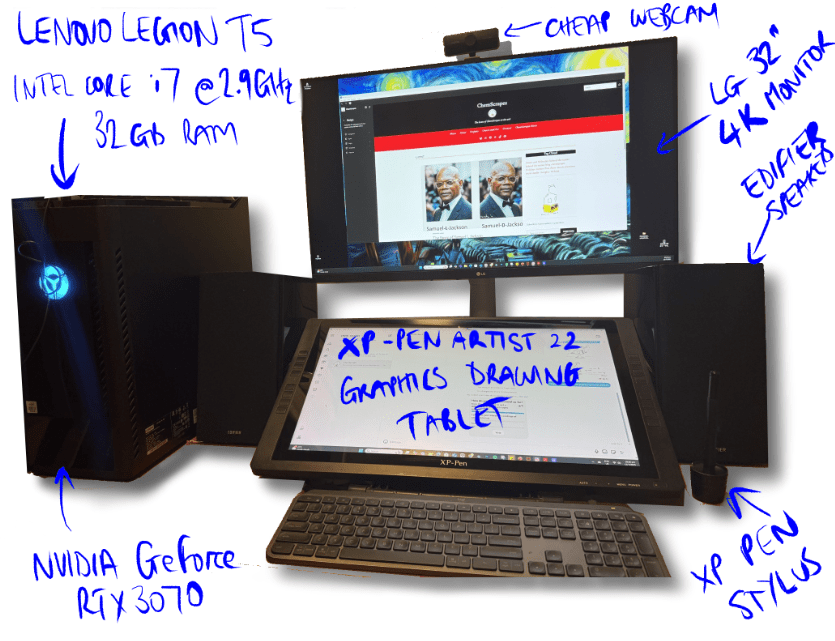
The Hardware
Main Monitor: LG 32 inch 4K plug and play monitor (LG)
Drawing Tablet: First generation Artist XP-Pen Artist 22 drawing tablet and accompanying stylus.
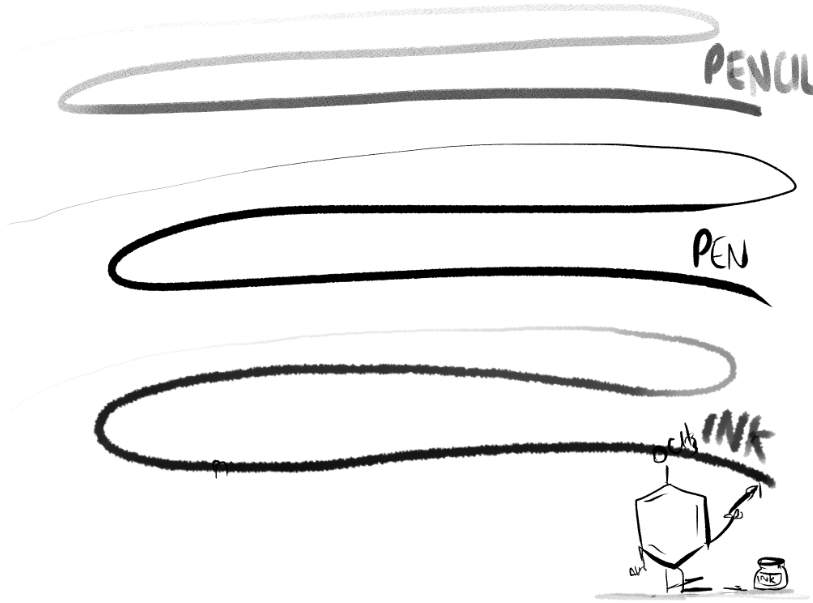
The drawing tablet can detect over 8000 pressures from the stylus which makes it excellent for hobbyists like me. You can see from the scribbles below how the pressures allow for nice control to get good variation in line intensity and structure. This is especially important for inking. For drawing most ChemScrapes cartoons I will use the pen tool, and then either scratch in shadow and shade with the pen, or I will use the inking tool. I rarely use the pencil tool.
When I bought the XP-Pen about 8 years ago, it was $800 – much cheaper than Wacom, the market leader at the time. There are a lot more players on the market now, but I will probably stick with XP-Pen because of the great experience I’ve had with it.
I also use a Samsung Galaxy Tablet (nearly 7 years old) for when I am traveling, or want to sit in a different room to watch a movie with the family.
Computer: Lenovo Legion T5, 32 GB RAM, Intel Core i7 10th Generation 2.9 GHz
Graphics Card: NVIDIA GeForce RTX 3070
As ChemScrapes has evolved, so has the complexity of some of the drawings. At times I have found myself working on 100MB+ file sizes with multiple layers. Any slower computer would struggle to keep up with this and before getting this setup, the responsiveness of the tablet was terrible. The computer is just over four years old and is still performing well.
Speakers: Edifier R2000DB bookshelf speakers. Not technically part of the drawing station, but an important addition to the process. Everything sounds great through these…except my voice.
The Software
I find Photoshop hard to use and not very intuitive. So, when I was looking around for software to support the increased demands of Sketch Chemistry, I wanted something that felt simple to use. Aside from Photoshop, I also tried Corel and Clip Studio Paint. Clip Studio better suited my needs. The free version came with unlimited layers (some drawing programs limit this on their free version). A big attraction for me was the frame-by-frame animation functionality – 30 frames with the free version. I had always wanted to play around with animation and 30 frames was enough to get my hands dirty. I upgraded after about 6 months of use to get unlimited frames. Clip Studio used to be called Manga Studio, so it is essentially purpose built for comic books and comes with a range of built in layouts for frame and other features related to producing strips. Sold! I have been using Clip Studio for about 8 years.
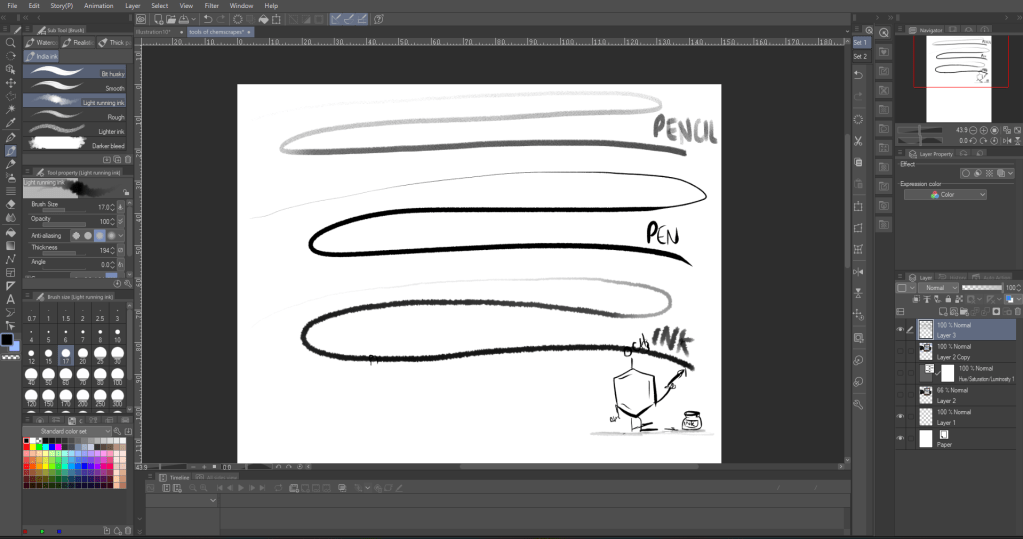
So there you have it. The a whirlwind tour of the tools of ChemScrapes. Feel free to ask any questions or leave a comment below, I’ll try to respond.
 ChemScrapes
Leave a comment